Why Is My AI Coloring Flat? Shaded Sketches vs Line Art
Why does your AI coloring come out flat? A sketch with shadows already drawn in gives flat results, so use clean line art instead. I'm Labo, the lighthouse keeper. Today's page is the time my AI coloring came out flat: I gave the AI a sketch with the shadows already drawn in, and the render came back flat as paper. So I went back and pulled clean line art instead. If you want to draw your own manga with AI at home, here is what that taught me: I think when you give the AI a sketch with the shading drawn in, it paints it flat. So give the AI only the lines, and leave the shading to it.
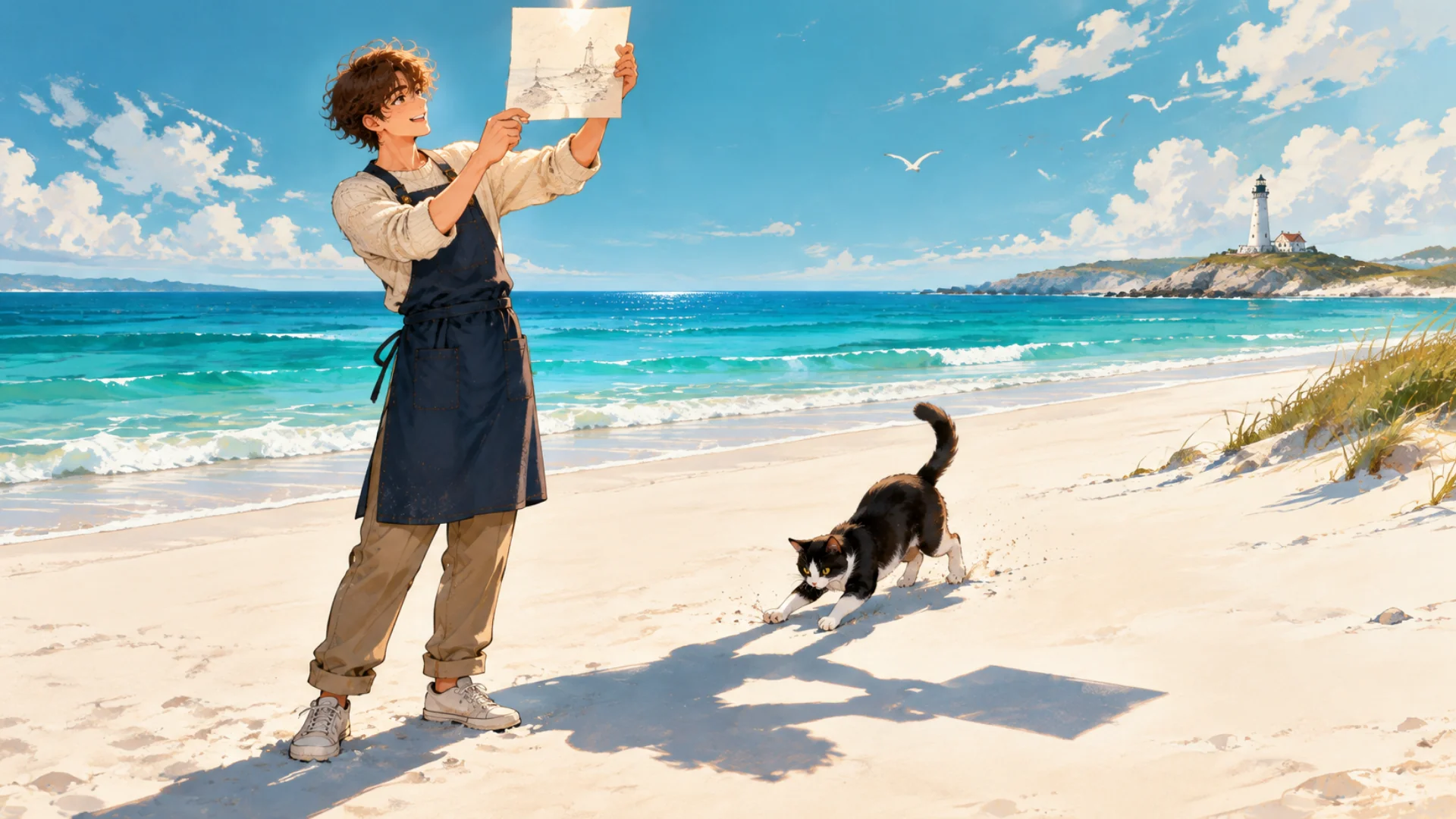
I shaded the sketch with care. What came back was flat as paper.
The student came back still stuck on how last time ended. Her dad draws webtoons and never gets a day off, so she's learning this to help him. I'd mentioned my shaded sketch came out flat, and she couldn't let it go.
"Why does my AI coloring come out flat?"
Student: Labo, I don't get it. If you give it the shadows, shouldn't the AI go "oh, that's the dark side" and paint it with more depth?
Labo: That's what I expected too. I ran two kinds of sketch depending on the stage of the work: lines only, and shading drawn in. I was sure the shaded one would have more depth. Instead it rendered far too flat. The shading didn't survive.
Student: So it erased what you gave it?
Labo: That's how it looked. What caused it in that sketch, I didn't write down. But I decided one thing on the spot: I'd pull the line art again.
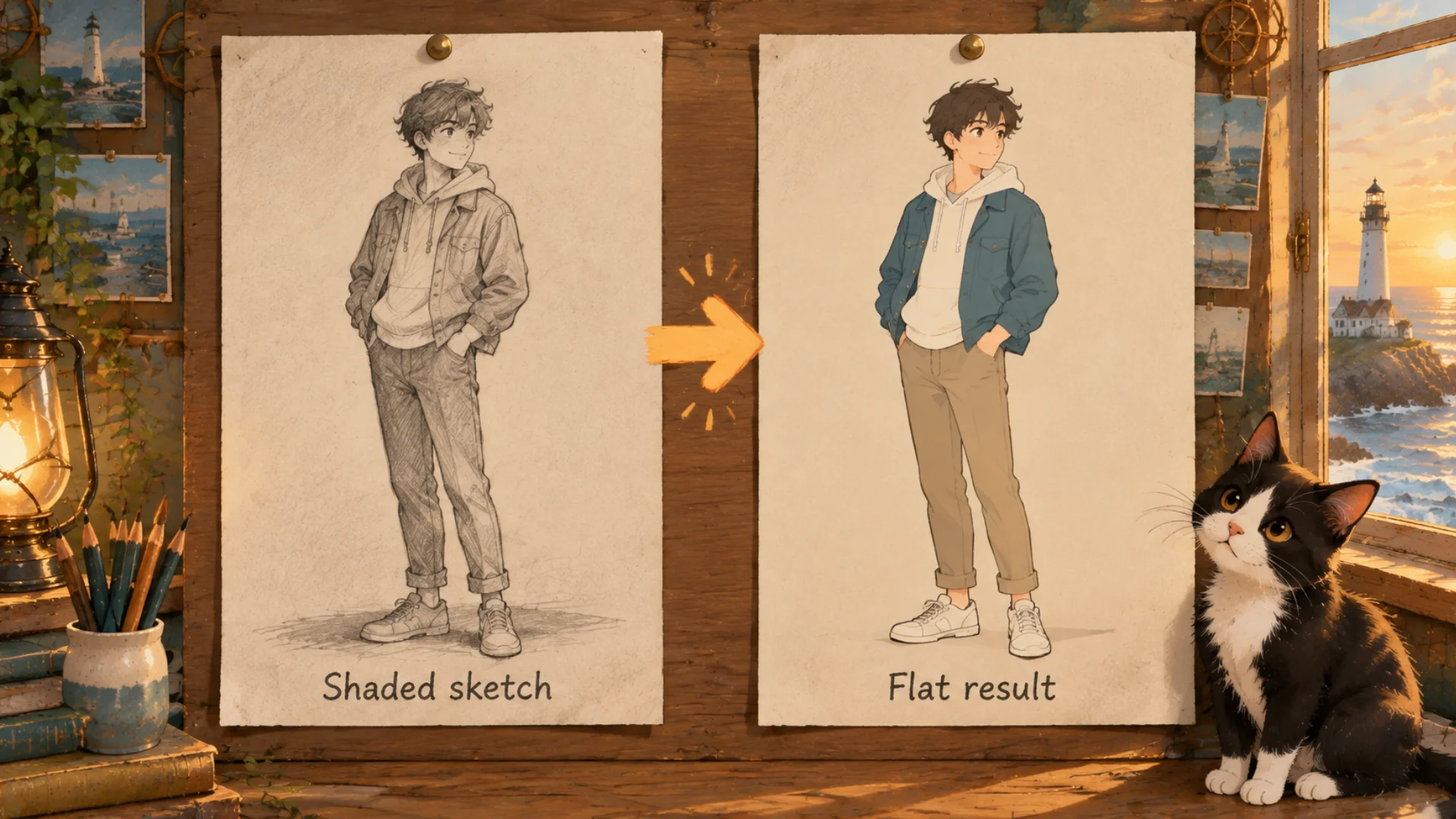
Left, the shaded sketch. Right, a result where the shadows have almost gone.
"Give it only the lines and leave the shading to the AI?"
Student: Wait. Last time you said you threw out lineart mode because it copied the colors too. Now it's line art again?
Labo: Good catch. Same name, two different things.
- ControlNet's lineart mode: one of the ways ControlNet can read a sketch. That's the one I dropped to go back to scribble.
- A line-art drawing: the picture itself, with only the lines left, no shading and no color. It's the material you feed in.
Student: Oh. So it's not about the mode, it's about the picture you put in.
Labo: Right. The shaded sketch came out flat, so I decided to make a lines-only version and feed that in. The lines tell it the structure; light and shadow are left to the render. I think that's the right split.
Student: So never put shadows in? What if my dad's sketches already have them?
Labo: I can't say "always take them out." One shaded sketch came out flat for me, so I went back to lines. But something similar happened once more, and that time I wrote down the causes.
"Has it happened with other pictures?"
Labo: On September 14th. A different picture, and it came out flat again. My notes that day list three causes.
1. The prompt had soft even lighting in it. Light that falls evenly everywhere leaves no place for shadows. I wanted shadows, and my prompt was asking for none.
Student: You tripped yourself up.
Labo: I did. Read your prompt one word at a time; an old phrase can ask for the opposite of what you want now.
2. The reference picture (IP-Adapter) was applied to the whole image, not just the face. IP-Adapter is a part that takes one picture as a "make it feel like this" reference. I installed IPAdapter Plus when I moved to ComfyUI. I gave it a reference to match the face, but it reached across the whole picture. I think a picture meant only for the face dragged the mood of everything along with it.
3. There was no finishing pass. That's when you take the finished picture, enlarge it 1.25 to 1.5 times, and run it once more at denoise 0.45. Rough first, then bigger, then one more touch. That day the step was missing.
Student: Is 0.45 like redrawing half of it?
Labo: Close enough. At 1.0 it wipes the base and draws fresh; at 0 it changes nothing. 0.45 keeps a good part of the base and refines on top.
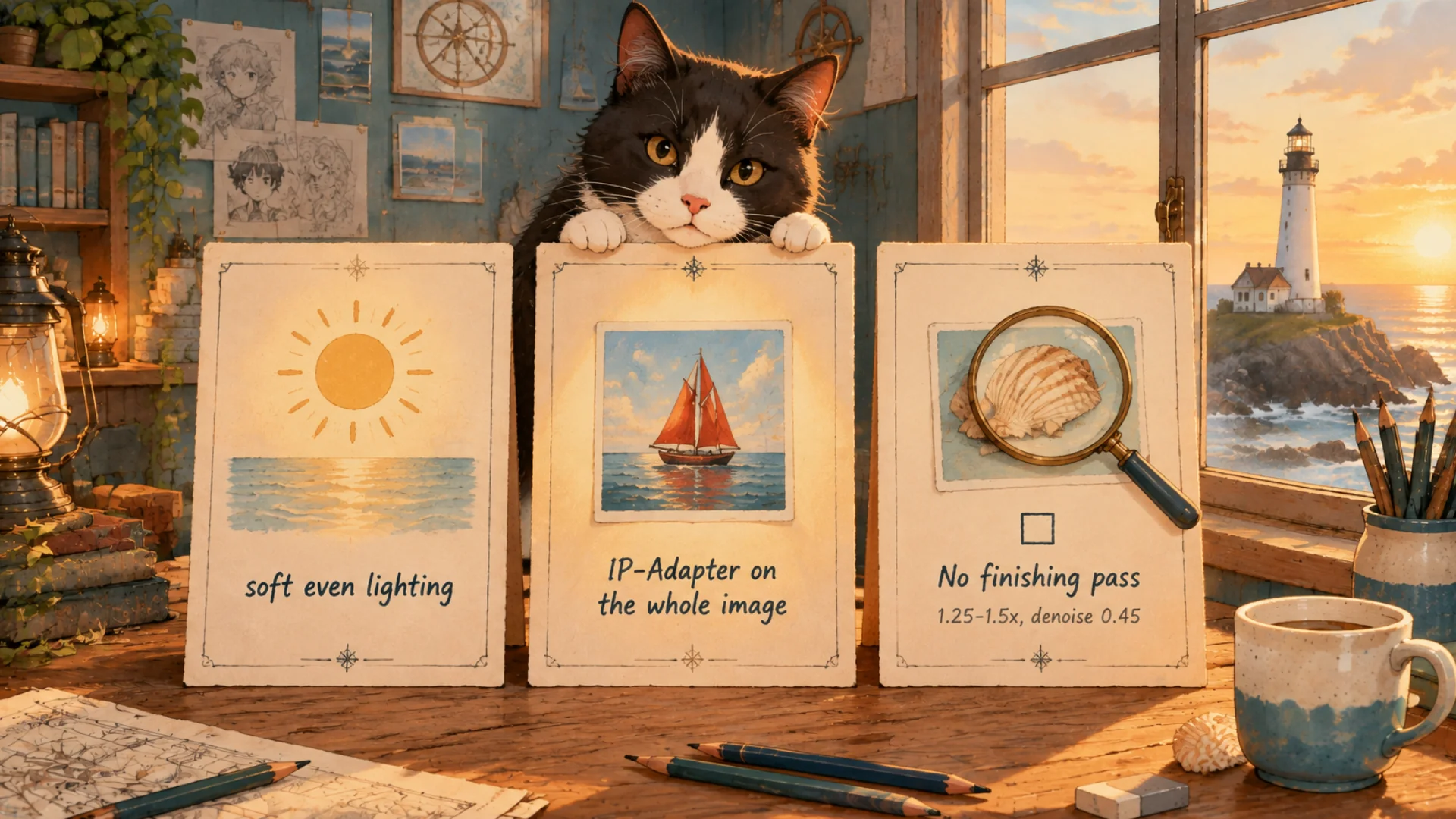
The three causes from that day: one line of prompt, how far the reference reached, and a missing last step.
Student: So I just flip all three?
Labo: That's the direction. But my notes don't say how much each change helped, so I won't say "fix this and you're done." Change one thing at a time, and you'll find the culprit.
"Wouldn't a strong color reference help?"
Student: What about color? If my dad wants certain colors, can't I put a colored picture in as a strong reference?
Labo: I tried that. When I put the color reference in strongly, the shading died. Flat again. So I switched to Canny, the mode that finds where bright and dark meet and reads those edges as lines. I think holding on to only the edges, instead of copying a colored picture hard, left room for the shadows.
Student: So putting more in isn't always better.
Labo: Not by my notes. The shaded sketch, the even-light phrase, the reference on the whole picture, the strong color reference: four times I added something and got flat. The fifth was a step I left out. What mattered was where, and how strongly.
Student: So now it's done? Lines in, render out?
Labo: One thing left. Faces. I'm still working on that one. Next time I'll show you exactly where I am.
FAQ
Q. I colored a shaded sketch with AI and it came out flat. Why?
Same for me. I didn't record the exact cause in that sketch; I went back and fed in line art with the shading taken out.
Q. What makes an AI render look flat?
My September notes list three: soft even lighting in the prompt, a face reference (IP-Adapter) on the whole image, and no finishing pass (enlarge 1.25 to 1.5 times, denoise 0.45).
Q. Is ControlNet's lineart mode the same as a line-art drawing?
No. Lineart mode is a way of reading a sketch; a line-art drawing is the lines-only picture you feed in.
What the artist did: ran a shaded and a lines-only sketch, saw the flat result and decided to pull line art again; noted three causes on September 14th; switched to Canny.
What the AI did: painted light and shadow onto the lines, and read only the brightness edges with Canny instead of copying the colored picture.
Official pages: ComfyUI on GitHub, IPAdapter Plus on GitHub and ControlNet-Aux on GitHub (open source, free; the last two are ComfyUI extensions). GitHub shares code in the open, so anyone can see what's inside before running it.
Written October 2026 from Labo's own records. The three causes are from my September 14th notes; other pictures or settings may differ, and so may ComfyUI's screens. The original Korean post: AI 채색했더니 왜 그림이 납작해져요? (Korean)
Lighthouse log. I drew the waves onto the chart, and the sea came back flat. Draw the course in lines; let the sea decide how high the water rises.
Keep reading
- Previous post: Sketch to AI Manga: Does ControlNet Scribble Keep Lines?
- More on ComfyUI · AI art
- All posts in Draw Manga with AI at Home


Comments
Post a Comment