SDXL LoRA Training at 52 Seconds a Step? It Was 16GB of RAM
SDXL LoRA training stuck at 52 seconds a step? The slow part was my 16GB of RAM, not the graphics card. I'm Labo, the lighthouse keeper. Today is about why my SDXL LoRA training crawled at 52 seconds a step on my home computer, and why the culprit wasn't the graphics card but 16GB of RAM. If you want to draw your own manga with AI at home, here's what that night taught me: when it's slow, don't guess the culprit. Find it in the numbers.

The expensive part gets suspected first. The clue was somewhere cheaper.
The student came in still thinking about last time. Her dad draws webtoons and never gets a day off, and she's learning this so she can teach an AI his style one day and give him some time back.
Student: Labo, you said you'd run it again with SDXL that night. Did it work?
Labo: I switched the base model to AlbedoBase XL and left the training running overnight. The screen said 51.89s/it. That's 52 seconds for one step. To reach the end, it would take more than 27 hours.
Student: Because your graphics card was too weak? Did you have to buy a new one?
Labo: That's what I thought, too. Not yet. The culprit was somewhere else.
"What does s/it mean?"
Labo: It's the number near the bottom of the training screen. s/it means "seconds per step," and it/s means "steps per second." So 51.89 s/it is 52 seconds a step. Remember how we counted steps? Drawings × repeats × epochs = total steps. Multiply that by 52 seconds and you get when it finishes.
"Isn't it because the graphics card only has 8GB?"
Labo: My computer back then had an RTX 3050 with 8GB, and 16GB of RAM. I blamed the card first. Then I opened Task Manager, went to Performance → Memory, and a different number looked strange. "Committed" said 34.4GB. On a computer with 16GB of RAM.
Student: It's using 34 on a 16? How?
Labo: Whatever doesn't fit, Windows writes to the disk for a while. That time it was about 25GB. Think of RAM as your desk and the disk as a warehouse. The desk was too small, so every single step meant a walk to the warehouse and back. That's the 52 seconds. The graphics card spent most of that time just waiting.

A small desk, a far-away warehouse, and a graphics card with nothing to do.
Student: How do I check if mine is like that?
Labo: Press Ctrl+Shift+Esc, then Performance → Memory. If the number in front of "Committed" is much bigger than your RAM, it's this. Look while the training is running, not before.
"Won't lowering the settings make it faster?"
Labo: I tried. I cut the LoRA size, the Rank, from 64 to 32. Half. The result: 6% faster. Almost nothing. The problem wasn't how big the LoRA was. It was that SDXL itself didn't fit in the RAM.
Student: Was anything else eating RAM?
Labo: I found two. Check yours for these, too.
- Another Windows account. I'd made a separate account just for AI work. But the other account was still holding 4.5GB. If you only "switch" users, that account's programs can keep running in the background. Before training, sign out of the other account.
- Zombie processes. A screen capture program I thought I'd closed had 30 copies still alive in Task Manager. Open the Details tab and sort by name, and you'll see the same name repeated down the list.
Student: So if you close all of that, it's fixed?
Labo: A little better. But 27 hours doesn't turn into a few hours. I stopped the training at 1:30 in the morning and made a decision. And here's why it mattered: getting a consistent character across panels takes many rounds of train, look, fix, train again. At 27 hours a round, that loop never closes.
"So what do you do now?"
Labo: There were three roads.
- More RAM. 32GB or more. The cheapest of the three. Check how many RAM slots your motherboard has first.
- A new graphics card. One with 16GB. I looked at prices, too, and held off. My rule: not until one successful picture comes out of the gear I already have. Spend first, and when something fails you can't tell whether it was the gear or the method.
- Borrow someone else's computer. The road I took. Train on the rented one, and use the home computer only for making pictures.
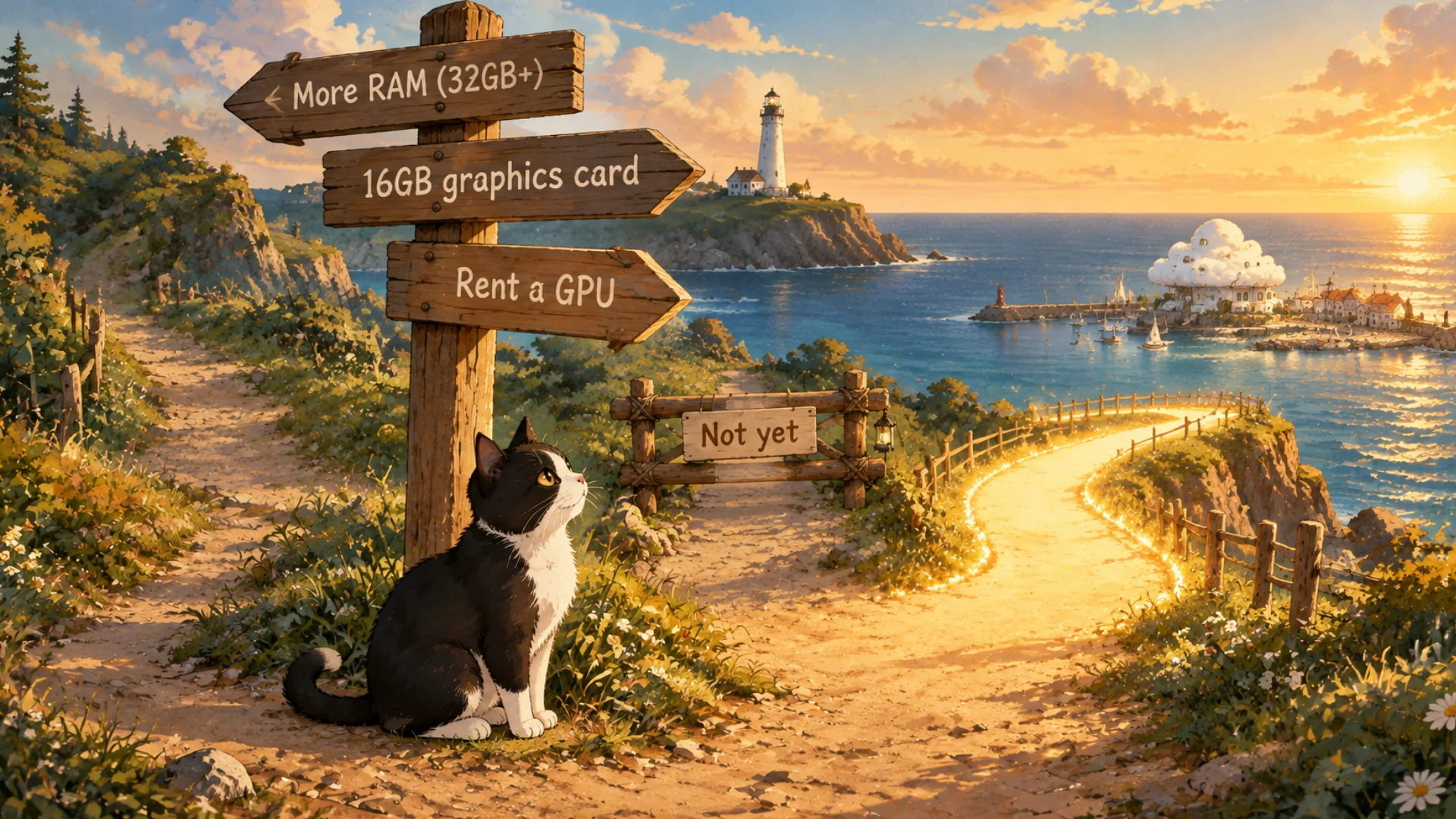
Three roads. The middle one waits until there's one good picture.
Student: Borrowing is that RunPod place from the map, right? But wait. Then my dad's drawings would go onto a stranger's computer.
Labo: That's the right worry. In a Korean webtoon studio, unfinished drawings are the work itself. I had rules for exactly that. I loaded $100 onto RunPod and tried it. Next time: how to use RunPod for the first time.
FAQ
Q. My SDXL LoRA training takes tens of seconds per step. Why?
Open Task Manager → Performance → Memory and look at "Committed." If it's far bigger than your RAM, the computer is using the disk. The RAM ran out before the graphics card did.
Q. Will lowering the Rank make it faster?
A little. When the RAM is full, it barely helps. I cut it in half and got 6%.
Q. Can I train an SDXL LoRA with 16GB of RAM?
It runs, but it can take more than a day. Training in the cloud and making pictures at home is the realistic split.
What the artist did: opened Task Manager instead of a shopping site, found the culprit in the numbers, signed out the other account, cleared the zombies, and decided not to buy anything yet.
What the AI did: waited 52 seconds a step, patiently, while the desk was full.
Official pages: RunPod (rent a graphics card by the hour, paid) and Kohya_ss on GitHub (open source, free). GitHub is a site where code is shared in the open, so anyone can see what's inside before running it.
Written October 2026. The numbers (51.89 s/it, more than 27 hours, 34.4GB, about 25GB, 6%, 4.5GB, 30 processes) are from my own computer at the time (RTX 3050 8GB, 16GB RAM). Task Manager menus can look a little different between Windows versions. The original Korean post: 1스텝에 52초, 왜 이렇게 느린거지 (Korean)
Lighthouse log. When something is slow, you suspect the most expensive part first. The culprit is usually hiding in the cheapest one.
Keep reading
- Previous post: LoRA Trained for 56 Minutes, No Style: The AI Never Looked
- More on LoRA · Kohya · SDXL · GPU
- All posts in Draw Manga with AI at Home


Comments
Post a Comment