Is It Safe to Upload My Drawings to AI Art Sites?
Is it safe to upload your drawings to AI art sites? Once they reach someone else's server, they have left your control. I'm Labo, the lighthouse keeper. Today's question: is it safe to upload my drawings to an AI art site? And how FLUX licenses and an 8GB graphics card sent me back to my own computer. What I learned going the long way around: the moment you upload a drawing to someone else's server, it has left your hands. So I pick my own computer over convenience.

Send the drawing across the sea to someone else's server, or keep it on the desk inside the lighthouse?
The student's dad draws webtoons and never gets a day off, and she wants to help him draw his manga with AI at home.
"After the 4.5 day, did you try an AI coloring site?"
Student: Labo, after your LoRA scored 4.5 out of 10, did you think about a site where you upload a drawing and it colors it?
Labo: That very day, May 21. I signed up for copainter.ai, a Japanese service that sits right next to webtoon work:
- Auto-coloring line art: lines in, color out.
- Shadows: it lays shading over the drawing.
- Upscaling: it makes a small picture bigger.
Signing up gave me 10 free tickets; each run uses one.
Student: Coloring and shadows, done for you? Isn't that enough?
Labo: Every service like this stands in front of one question: when I put this drawing in, where does it actually go?
"If I upload it, does the drawing leave my hands?"
Labo: It goes to the company's computer, the server. Your file travels there, their graphics card does the work, and only the result comes back. Some companies delete uploads quickly, some keep them a while. It's in the terms, but there's no way to see what really happens inside that server.
Student: Some of Dad's drawings aren't even published yet. That's a no.
Labo: That's where I got stuck. In a Korean webtoon studio, unpublished pages are the work itself. And the rule wasn't new. When I picked where to train, I'd already crossed off Google Colab, Civitai Trainer, tensor.art and Replicate, for one reason: the drawings would go out to someone else's server.
Student: But RunPod is someone else's computer too.
Labo: Good question. On RunPod you rent a whole computer, so you decide what goes in and when it's deleted. On an upload site, all of that happens on the company's side. RunPod is still someone else's machine, which is why I skipped Community Cloud and deleted everything afterwards.
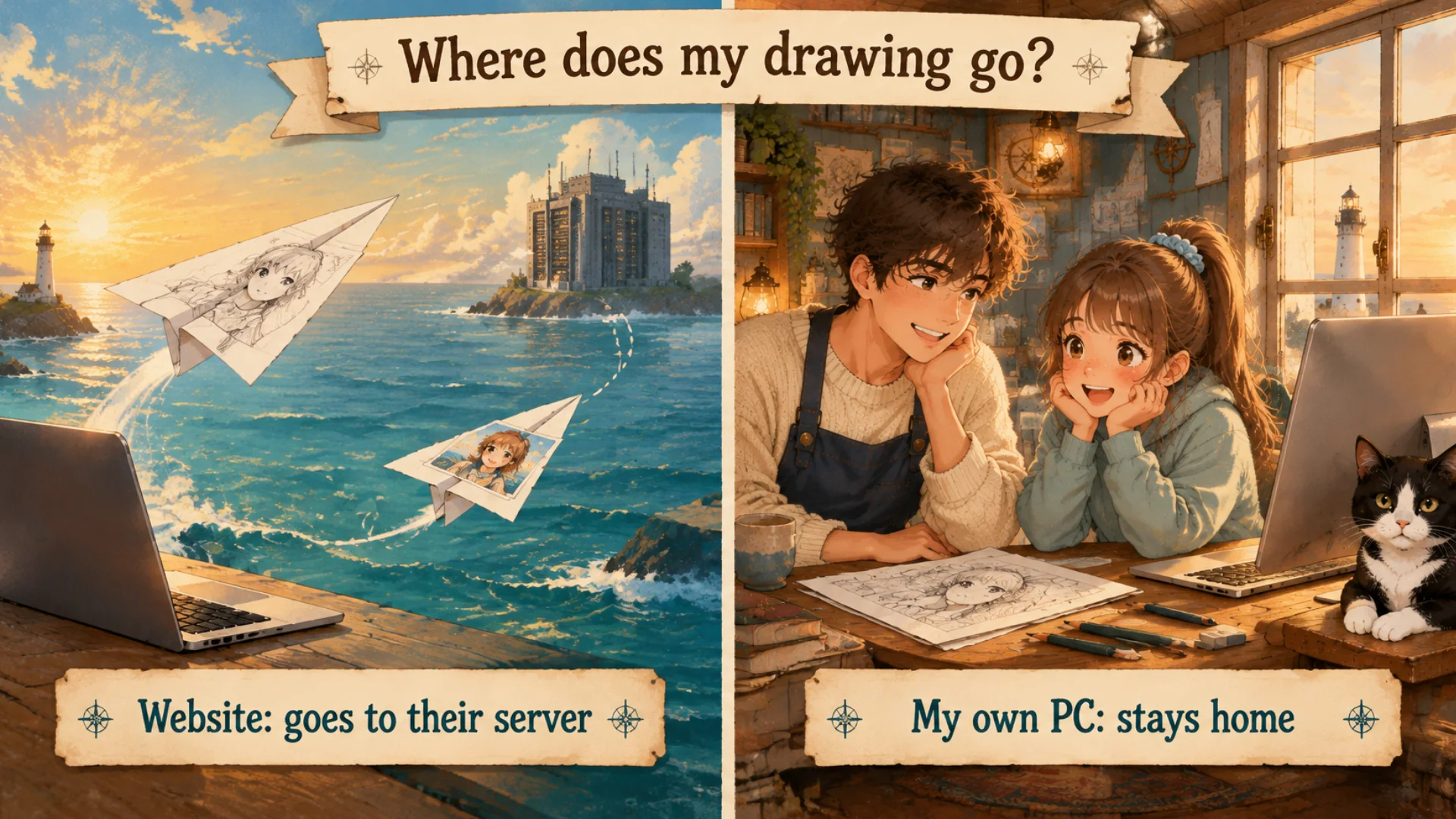
Upload to a site and it crosses the sea. Run it on your own PC and it never leaves the lighthouse.
"FLUX is supposed to be master level. Why didn't you use it?"
Student: I read that SDXL is upper-middle and FLUX is master level. Why not use the best?
Labo: I carried that same line around, so on May 21 I looked at FLUX seriously. It's made by Black Forest Labs, a German company. I was looking at FLUX.1 Dev, and it stopped me twice.
① The license was a gray area. FLUX.1 Dev had a non-commercial license, and webtoons are paid work. Is it fine if you only use the pictures? Is running the model inside the work already commercial? I couldn't say no for sure, and I couldn't trust a yes.
② 8GB wasn't enough. FLUX is a big model, and on my 8GB card even making pictures was a struggle.
So on May 21 I gave up on FLUX and kept going with SDXL.
Student: Has the FLUX license changed now?
Labo: It differs by model; some FLUX versions allow commercial use and some don't, and a company can change its license. Before you download, read the License field on that model's page yourself.
"What if I put FLUX on my own computer?"
Labo: I tried that on June 20, about a month later, with FLUX.2 klein 4B, a small FLUX.2 model licensed under Apache 2.0, a common open-source license that allows commercial use with a few conditions. The "4B" is the model size, much smaller than FLUX.1 Dev.
I put it in Krita, a free painting program, with the Krita AI Diffusion plugin (open source on GitHub, where anyone can see the code). It makes AI pictures right inside the canvas, and it connects to an AI server running on your own computer, so the drawing never leaves the lighthouse. I got as far as the "Server Connected" sign.
Student: And? Did it come out well?
Labo: I didn't test it. I never made a picture, so I don't know if it's good for webtoon work. What I can say: a small FLUX you may use commercially can be installed on your own computer, with no one else's server.
"Did you ever waver after that?"
Labo: Once more. July 16, after I'd moved to ComfyUI. I paid for Pro on Mage.space to render an uploaded sketch into a finished picture with ControlNet. I ran it once. The result was almost the same line art. I decided to cancel that day.
Student: Was cancelling easy?
Labo: There was no cancel button on the billing page. I emailed to cancel and ask for a full refund, and got it the same day. But once a drawing is uploaded, it's already out; a refund only gives back the money. Before you pay, find the cancel button first.
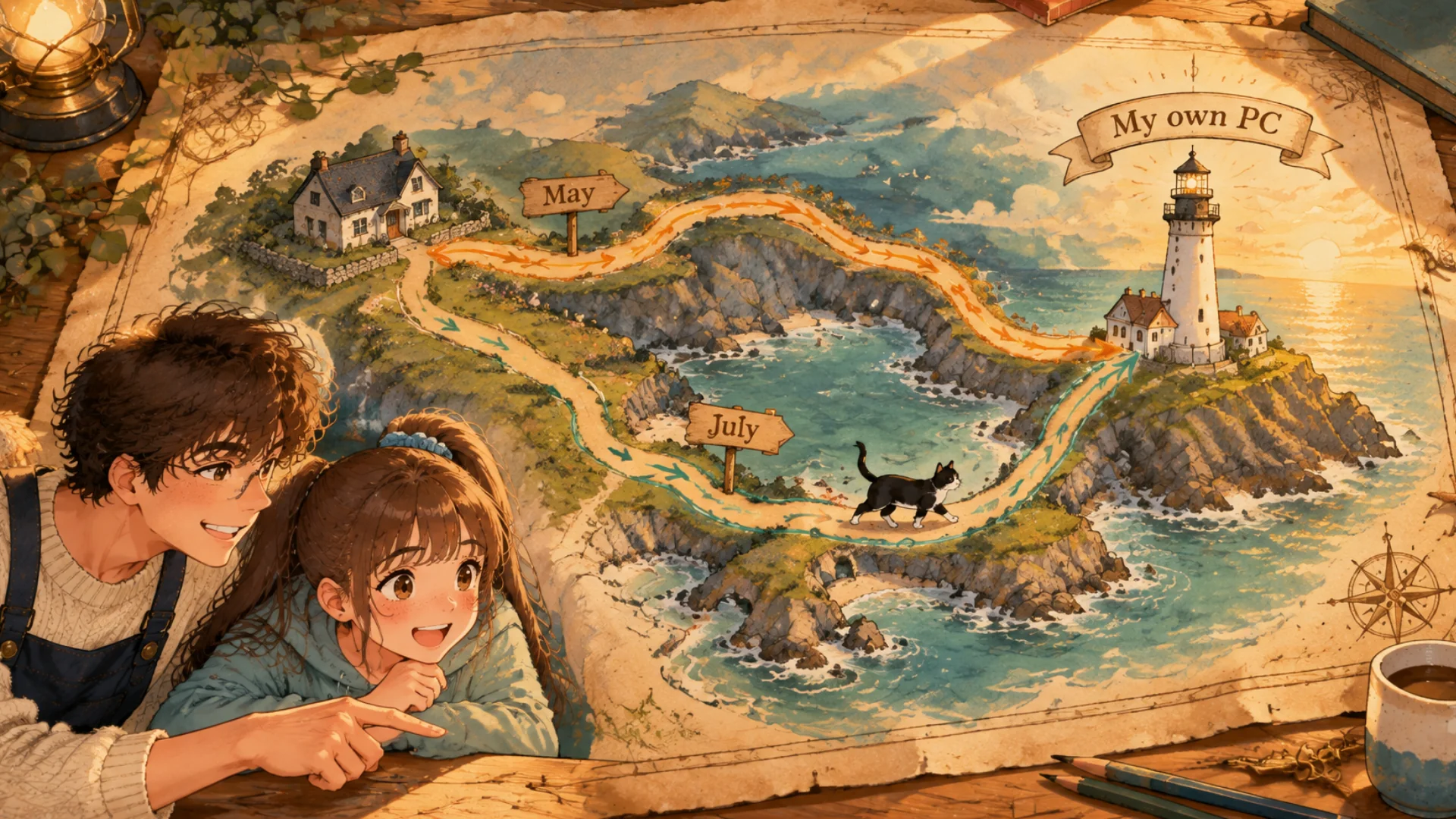
May, then July. Both roads came back to the lighthouse.
Student: Then I'll start on my own computer from day one. SwarmUI?
Labo: You can. But on June 5 I moved to the engine behind SwarmUI's buttons: ComfyUI. Next time: what those boxes called nodes are, and how to connect a basic workflow.
FAQ
Q. Is it safe to upload webtoon drawings to an AI art site?
The drawing goes to the company's server, and you can't check how it's kept. I skip every service where drawings leave my computer.
Q. Can I use FLUX.1 Dev for webtoon work?
When I looked, it had a non-commercial license, a gray area for paid work, so I didn't. Read the model page's License field before downloading.
Q. Does FLUX run on an 8GB graphics card?
FLUX.1 Dev was a struggle on mine, so I went with SDXL. The smaller FLUX.2 klein 4B is installed in Krita but untested.
What the artist did: kept the rule "no services where drawings go to someone else's server"; dropped FLUX.1 Dev over the license and 8GB; cancelled Mage.space and got a refund the same day.
What the AI did: rendered one sketch on Mage.space and gave back almost the same line art. FLUX.2 klein 4B in Krita is connected but hasn't been given a picture yet.
Official pages: copainter.ai, Black Forest Labs on Hugging Face (check the license per model), Krita, Krita AI Diffusion on GitHub, Mage.space.
Written October 2026 from Labo's own records. Plans, licenses and screens may change. The original Korean post: 내 그림, AI 그림 사이트에 올려도 괜찮아요? (Korean)
Lighthouse log. Cargo loaded on someone else's ship leaves your hands and follows their route. Even if it's slower, load it on your own.
Keep reading
- Previous post: My First LoRA Drew Something Else: Picking Training Images
- More on AI art · beginner
- All posts in Draw Manga with AI at Home


Comments
Post a Comment